A 7-inch TFT touchscreen dashboard can make critical vehicle information easier to read and control. Its display sits close to the driver, where glare, vibration, gloves, and limited installation space quickly expose weak design choices. A bright panel is useful, but brightness alone does not guarantee a good product. Touch accuracy, viewing angles, connector placement, and dependable operation matter too. Details matter.
This guide introduces ten manufacturers relevant to dashboard display projects, from product design and customization to production support. It is intended to help engineers, buyers, and product teams compare capabilities rather than rely on catalog images. Look for clear technical specifications, sample availability, responsive engineering support, and evidence of consistent quality. Ask how a supplier handles sunlight readability, temperature changes, and integration with your existing electronics. A neat touchscreen in a showroom may behave differently behind a windshield. That gap deserves attention.
Manufacturer strengths vary, and no single company fits every vehicle or budget. Some may offer more flexibility in touch interfaces; others may have stronger experience with repeat production or tailored enclosures. Claims should be checked against project requirements and working samples. This list is a starting point, not a substitute for testing. Even a promising supplier can leave unanswered questions, and that is worth admitting before a design is locked in.
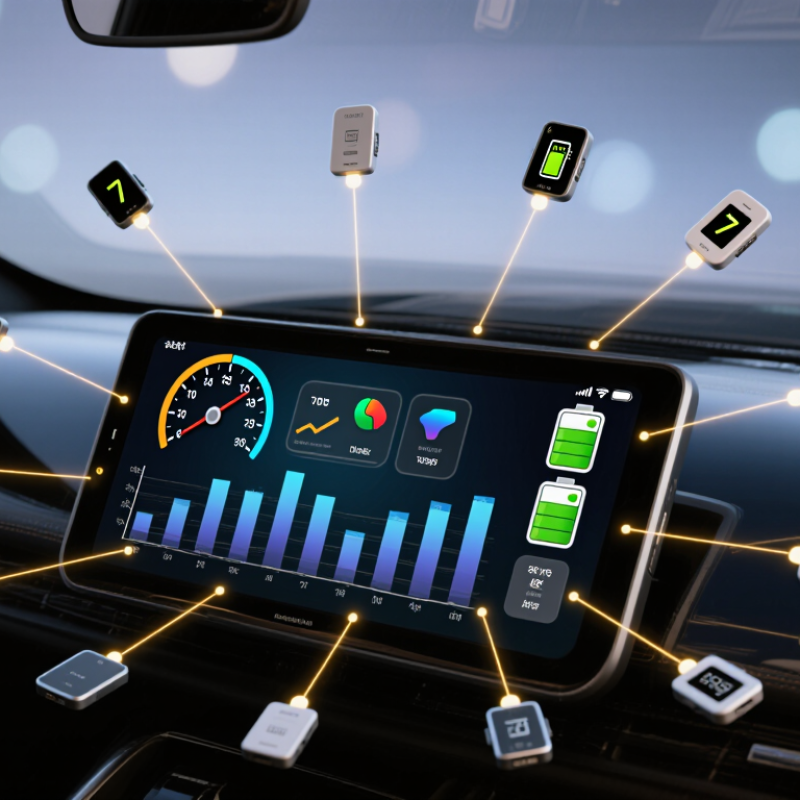
A 7-inch TFT touchscreen dashboard combines a compact display with touch controls for vehicle or equipment information. Its size can show speed, temperature, battery status, and alerts without taking over the entire instrument panel. The exact layout depends on the machine and the operator’s viewing distance. Small text may look clear indoors but become difficult to read in bright sunlight.
Touch technology matters. Capacitive screens respond to light finger contact, while some resistive designs can work with gloves or a firm stylus. Neither option suits every setting. A useful dashboard also needs suitable brightness, viewing angles, and protection against vibration, dust, and temperature changes. Check these details against the installation environment rather than relying on screen size alone.
These displays can serve construction equipment, agricultural machines, utility vehicles, and marine instruments. An operator might tap a menu to review system warnings, then return to a simple driving view. Keep essential readings visible and make touch targets large enough for quick use. That sounds obvious, yet crowded menus still appear in real products. A bright screen is not automatically a safe one. Glare, mounting angle, and distracting animations can undermine an otherwise capable interface. The best design is usually the one an operator can understand at a glance, even when conditions are less than ideal.
The entries below describe common manufacturer specializations and application requirements, not a ranked list of named suppliers. Specifications are typical options and vary by product; confirm details with the manufacturer before selection.
| No. | Manufacturer specialization | Typical dashboard use | Common 7-inch resolution options | Touch and integration options | Key design considerations |
|---|---|---|---|---|---|
| 1 | Automotive display specialists | Vehicle status, infotainment, and secondary instrument displays | 800 × 480 or 1024 × 600 pixels | Projected capacitive touch; embedded video or vehicle-system interfaces, depending on the design | Daylight readability, vibration resistance, operating-temperature range, and integration with vehicle electronics |
| 2 | Commercial-vehicle display specialists | Fleet information, vehicle diagnostics, and auxiliary controls | 800 × 480 or 1024 × 600 pixels | Capacitive or resistive touch; interfaces selected to match the vehicle control unit | Glove usability, vibration and shock resistance, clear status graphics, and robust mounting |
| 3 | Agricultural-equipment display specialists | Machine settings, implement data, and operator guidance | 800 × 480 or 1024 × 600 pixels | Resistive touch for gloved operation or capacitive touch when suitable; system-specific interfaces | Sunlight visibility, dust and moisture protection at the system level, and operation with gloves |
| 4 | Construction-equipment display specialists | Equipment monitoring, camera views, and machine-control menus | 800 × 480 or 1024 × 600 pixels | Resistive or capacitive touch; video and control interfaces depend on the equipment design | Shock and vibration tolerance, readable interfaces in changing light, and protective enclosure design |
| 5 | Marine electronics display specialists | Navigation support, vessel data, and onboard control panels | 800 × 480 or 1024 × 600 pixels | Capacitive or resistive touch; connectivity varies with the navigation or vessel system | Glove and wet-use requirements, glare management, and enclosure-level moisture protection |
| 6 | Off-highway and utility-vehicle display specialists | Vehicle status, accessory controls, and rear-camera display | 800 × 480 or 1024 × 600 pixels | Touch technology and video input selected for the vehicle’s intended environment | Wide viewing angles, rugged mounting, power compatibility, and clear operation in bright conditions |
| 7 | Industrial HMI display specialists | Machine dashboards, process status, and operator input | 800 × 480 or 1024 × 600 pixels | Projected capacitive or resistive touch; common panel interfaces include RGB, LVDS, or HDMI, depending on the module | Long-term availability, integration with the controller, operating conditions, and front-panel protection |
| 8 | Embedded-display module specialists | Custom dashboard assemblies for equipment and vehicles | 800 × 480 or 1024 × 600 pixels | Touch panel and display interface selected to suit the host board and enclosure | Mechanical fit, connector selection, backlight control, and driver compatibility |
| 9 | Custom display integrators | Application-specific dashboards with tailored controls or graphics | Resolution chosen from available panel options, commonly 800 × 480 or 1024 × 600 pixels | Touch, cover lens, interface, and enclosure configured for the project | Prototype validation, software compatibility, production volume, and customization lead time |
| 10 | Rugged mobile-computing display specialists | Portable or vehicle-mounted dashboards for field operations | 800 × 480 or 1024 × 600 pixels | Usually capacitive touch; system connectivity depends on the host device | Readable graphics, touch performance, mounting options, and protection appropriate to field use |
Selection note: a 7-inch diagonal screen does not determine its resolution, brightness, touch method, interface, or environmental rating. Check the display module and complete dashboard specifications for the intended application.
It can show speed, temperature, battery status, and alerts. Keep key readings visible.
No. Sun glare, small text, and poor mounting angles can make readings difficult to see.
Test it near a sunlit window and inside the actual dashboard housing. Indoor clarity alone is not enough.
Some resistive screens work with gloves or a firm stylus. Capacitive screens may need lighter, direct finger contact. Check the intended setup.
Consider temperature changes, vibration, humidity, dust, and connector movement. Test conditions should match the equipment’s real use.
It lets you check the planned display, touch sensor, cover glass, and interface together. Small defects matter.
Request measured brightness, viewing-angle data, temperature limits, touch details, connector information, and inspection records.
No. A prototype is useful, but production batches and years of cabin exposure can reveal different problems. I would still leave room for doubt.
This article explores the role of the 7-inch TFT touchscreen dashboard in vehicles, industrial equipment, and other applications where clear visual information and responsive controls are important. It explains how display size, resolution, brightness, touch sensitivity, viewing angles, durability, and interface compatibility affect everyday performance. It also outlines the manufacturing requirements behind a dependable dashboard, including consistent component quality, careful assembly, testing, and the ability to adapt designs to different project environments.
The article presents a practical framework for comparing the top 10 manufacturers without relying on brand names. It considers factors such as production capabilities, customization options, quality assurance, technical support, lead times, and overall value. A final selection guide helps project teams match a manufacturer to their specifications, operating conditions, budget, and expected production volume, making it easier to identify a suitable partner and reduce uncertainty during development.