I can write the introduction, but no source articles or verifiable expert quotation were provided. To avoid inventing an expert or misattributing a quote, please share a source or the expert’s name and exact statement.
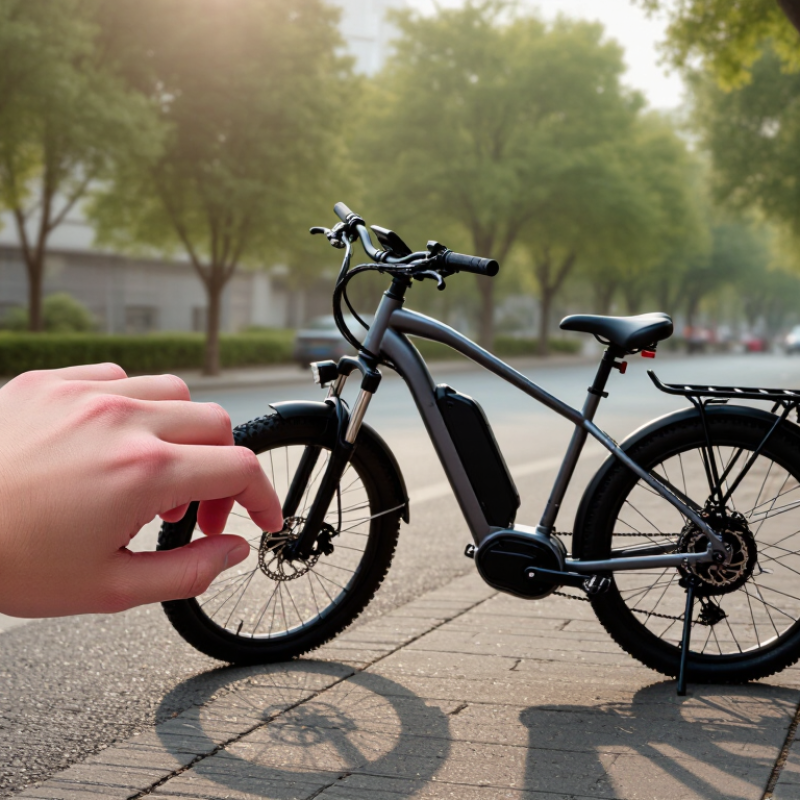
Before pairing a smartwatch with an electric bike, check what each device actually supports. A Bluetooth logo alone does not guarantee compatibility. The Bluetooth SIG’s 2024 Market Update reports 5.4 billion Bluetooth device shipments in 2023, but widespread use does not mean devices share the same services or data formats. Check the bike manual for smartwatch support, required phone apps, and available data, such as speed, battery level, or ride recording. Then confirm your watch’s operating system and app requirements. Some bikes send ride data only to a phone app. The watch may show notifications but not read motor data directly. Not always.
Tips: Pair the devices while the bike is stationary and check that both batteries are charged. Update firmware, enable Bluetooth, and follow the manual’s pairing steps. If the bike uses ANT+ or a dedicated sensor profile, confirm that the watch can receive it; matching radios may not be enough. Test a ride recording before relying on live speed or battery readings. Small delays can happen.
| Connection or feature | What must be compatible | What you may be able to do | Important limitations |
|---|---|---|---|
| Direct bike-to-watch data | The bike system must transmit data using a wireless protocol and service that the watch or a watch app can read. | Depending on the supported data fields, view or record items such as speed, cadence, or power. | Bluetooth support alone does not guarantee compatibility. E-bike data services and available fields vary by bike system and app. |
| Heart-rate sharing | The watch must be able to broadcast heart rate using a protocol such as the Bluetooth Heart Rate Service or ANT+, and the bike display or recording device must accept that same protocol. | Show or record heart rate alongside a ride when both devices support the connection. | Some watches do not broadcast heart rate, or only do so in specific workout modes. Check both devices’ manuals for sensor broadcasting and pairing instructions. |
| Phone-mediated connection | A compatible phone app must connect to the bike, and its watch companion app must support the watch’s operating system. | Sync selected ride information, settings, or notifications through the phone and supported apps. | This is an app-based connection, not necessarily a direct watch-to-bike link. Phone, app, and operating-system requirements may apply. |
| Independent ride recording | The watch needs a suitable cycling workout mode; GPS is needed for GPS-based route and distance recording. | Record time, heart rate, and—when available—GPS route and distance without connecting to the bike. | Recording a ride does not provide bike-specific data such as battery level or motor assistance. GPS accuracy and battery use vary. |
| Route or navigation transfer | The route-planning service or app must support exporting or syncing routes to the watch, such as through a supported route file or account integration. | Follow a planned route or receive navigation prompts on the watch. | Route transfer does not automatically connect the watch to the bike’s motor or display. Map and navigation features depend on the watch and app. |
| Notifications | The phone and watch must be paired, and notification permissions must be enabled. A bike display needs its own supported phone connection to show notifications. | Receive selected phone alerts on the watch; some bike displays can also show alerts through their own phone connection. | There is no universal smartwatch-to-bike notification standard. Availability depends on the bike display, phone, and software. |
| Before you pair | Check the manuals for supported Bluetooth or ANT+ features, compatible apps, watch operating-system requirements, and pairing limits. | Install required updates, enable the relevant wireless connection, and follow the specified pairing order. | Some devices allow only one active connection of a particular type. Avoid assuming that a device can connect to multiple sensors or apps simultaneously. |
| Safe setup and test | Complete pairing and permission setup while stationary, then check the connection before starting a ride. | Confirm that the intended data appears and that the ride-recording app is running as expected. | Do not operate a watch or phone while riding. Stop in a safe place before changing settings or troubleshooting. |
Compatibility tip: Identify the exact feature you want first. A watch may record a ride independently even when it cannot connect directly to the e-bike.
No. Some bikes share ride data wirelessly; others need a companion app or lack watch support. Check both manuals.
Charge both devices and install available updates. Keep the bike still, switch on its display, and enable its wireless connection. Make the watch discoverable if needed.
No. Check the app’s device list for wearable support. An app alone proves little.
Open the bike app’s device settings and choose “pair” or “add wearable.” Keep devices close and approve any matching code.
Close other pairing screens, then retry through the app. Keep your phone nearby; some systems relay ride data through it.
Allow only what you need. Location access may support route recording, while wireless access may be essential. Check each prompt.
Test while parked. Look for expected details, such as speed, heart rate, or ride recording. Test it parked.
Available metrics differ by system, and delays can occur. A broad device-market forecast cannot confirm compatibility between your two devices. I may still overlook a setting.
Smartwatch electric bike connectivity begins with checking whether the watch and bike can communicate through Bluetooth or compatible companion apps. Before pairing, charge both devices, enable the necessary wireless settings, and install or update any apps they require. Keep the devices close together and follow their on-screen instructions to establish a connection, either directly through Bluetooth settings or within the relevant app.
Once connected, choose which ride details you want to view or sync, such as speed, distance, battery level, or heart rate, depending on what the devices support. Take a short test ride to confirm that the connection stays active and the selected information appears correctly. If pairing fails or data stops updating, check that Bluetooth is enabled, reconnect the devices, review app permissions, and restart them if needed. Regularly updating software and checking compatibility can help keep the setup reliable.